

[Tutorial] Automatically Collect Amazon Product Information
This tutorial shows you how to use Bridgic Agent to build an automated workflow that collects products matching the search term "snack variety pack" from Amazon. The workflow retrieves product details and images, then saves the results to an Excel file in bulk. You can modify the workflow at any time to change the search term, collected fields, or number of products.
Let's get started. You will not need to work with any of the underlying code.
What You'll Build
By the end of this tutorial, you will have a working, reusable workflow that collects Amazon product information and exports it to Excel.
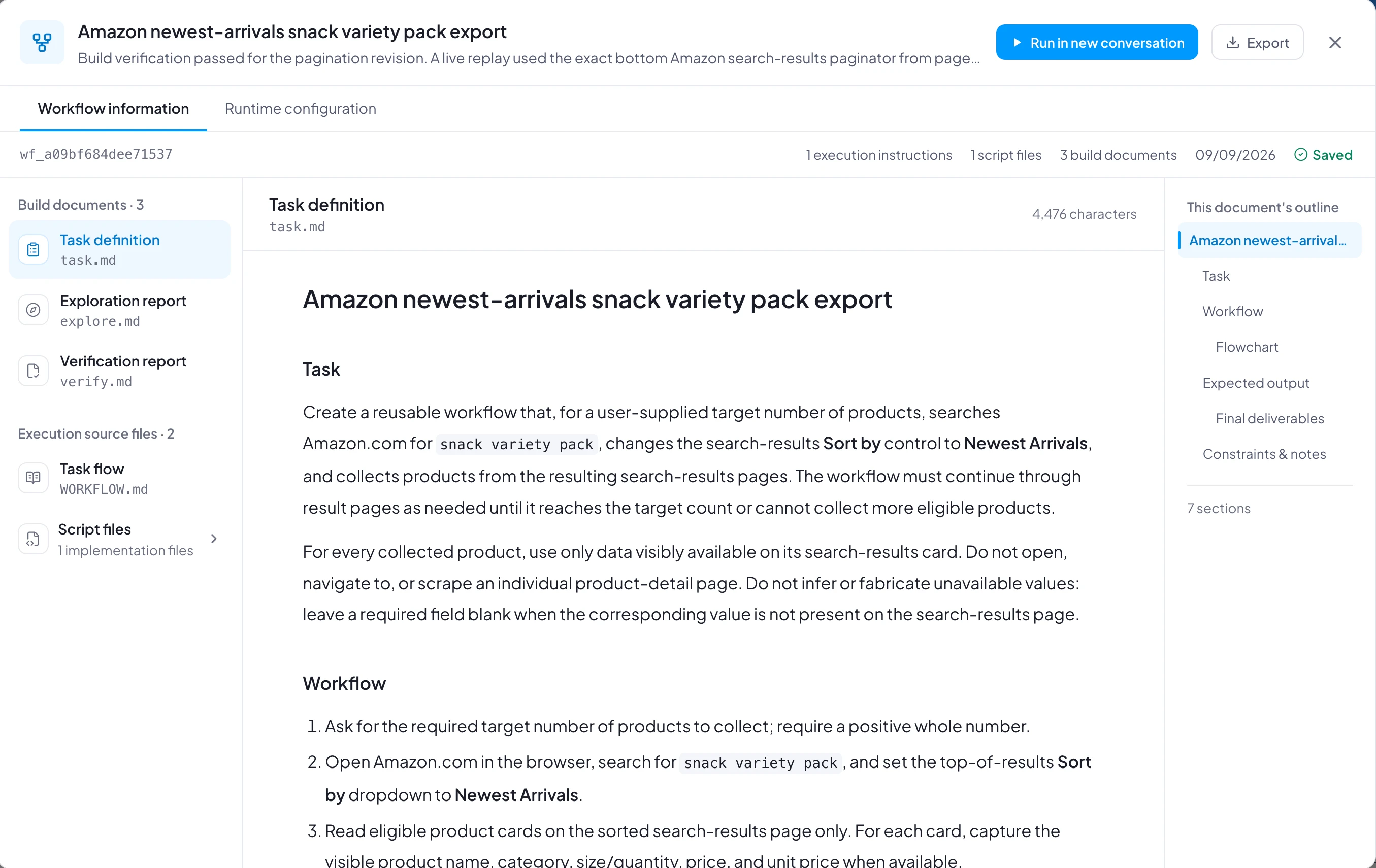
You can download this workflow and import it into Bridgic Agent as a reference:
Note: Because desktop environments differ, the imported workflow may not run successfully without adjustments. Use it as a reference when creating a workflow that fits your environment. If you want to run it directly and encounter an issue, ask Bridgic Agent to adapt it to your environment.
Build and Run the Workflow
Start workflow creation with the /build command. Describe the task clearly: search Amazon for "snack variety pack," collect the required number of products and their images, and export the results to Excel.
Bridgic Agent will clarify any ambiguous requirements and ask you to confirm the task specification. Review it carefully before continuing.
Schedule the Workflow
To collect updated product information regularly, use Bridgic Agent's scheduling feature to configure recurring runs.
Notes
- The build process may differ from the one shown here because desktop environments vary. The exact experience also depends on the selected model. A more capable model is recommended for building the workflow; a lighter model can be used for routine runs.
- Workflows are editable after they are created. If your requirements change, ask Bridgic Agent to update the workflow—for example, to change the search term, product fields, or output format.
- Bridgic Agent can usually build a workflow successfully when the requirements are clear and feasible. If a build or run fails, describe the issue and ask the agent to repair the workflow.
- If anything unexpected happens during the build, ask Bridgic Agent for more information or guidance at any time.